Mastering Time Management: Using Desktop Clocks with Multiple Timezone Displays


Understanding the Importance of Time Management
In today's fast-paced world, mastering time management is essential. Whether you're a business professional coordinating with international teams or a digital nomad working across different continents, the ability to effectively manage time zones is crucial. One practical solution is using desktop clocks with multiple timezone displays.
These tools are more than just a convenience; they offer a strategic advantage in ensuring efficient communication and scheduling. By keeping track of different time zones, you can avoid the pitfalls of missed meetings and miscommunications.
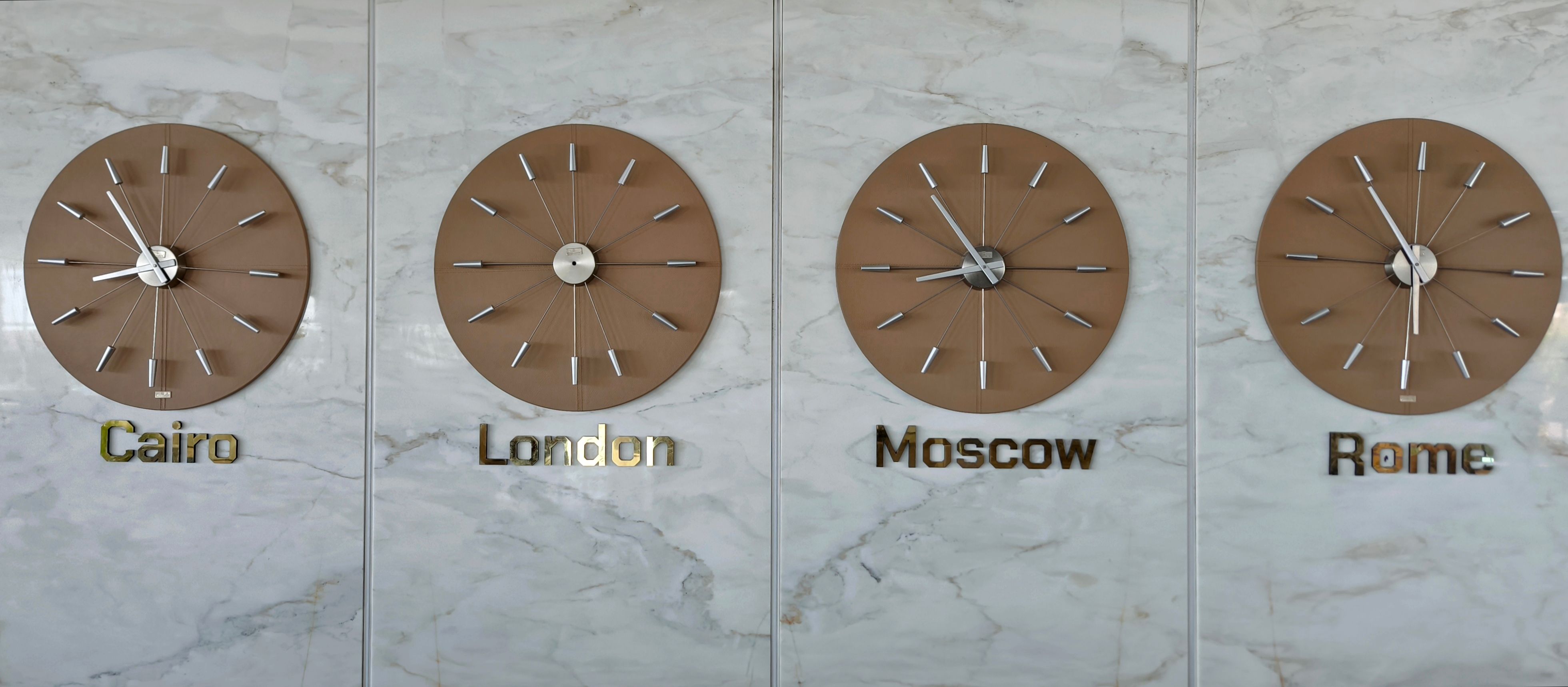
Benefits of Using Desktop Clocks with Multiple Timezone Displays
Desktop clocks that display multiple time zones provide numerous benefits. Here are some key advantages:
- Enhanced Productivity: Instantly know the time in various locations to make informed decisions.
- Improved Collaboration: Coordinate effectively with colleagues and clients worldwide.
- Time Zone Awareness: Avoid mistakes related to daylight saving changes and other local time adjustments.
By integrating these clocks into your daily routine, you can streamline your workflow and focus on what truly matters.
Choosing the Right Desktop Clock
When selecting a desktop clock with multiple timezone displays, consider factors such as ease of use, design, and functionality. Look for clocks that offer:
- Customizable Timezones: The ability to select and change time zones as needed.
- Clear Display: A clean and easy-to-read interface.
- Additional Features: Options like alarms, timers, and world maps.

Integrating Desktop Clocks into Your Workflow
Integrating desktop clocks into your daily routine is straightforward. Start by positioning the clock in a place where it's easily visible during work hours. Use it to plan meetings and tasks according to the most convenient times for all parties involved.
Consider setting alarms for key events to ensure you're always on time. This simple addition can transform how you manage your day, making you more efficient and organized.
Additional Tools to Complement Desktop Clocks
While desktop clocks are incredibly useful, they work best when combined with other time management tools. Consider using:
- Calendar Apps: Sync your clocks with digital calendars for seamless scheduling.
- Task Management Software: Use apps like Trello or Asana to track deadlines across time zones.
- Communication Platforms: Tools like Slack or Zoom can help coordinate meetings and notifications.
Conclusion: Mastering Time Management
Mastering time management is a skill that can significantly impact your professional and personal life. By using desktop clocks with multiple timezone displays, you can enhance your productivity, improve collaboration, and ensure timely communication. Embrace this powerful tool and watch your efficiency soar.