How to Customize Your Online Clock for Different Time Zones


Understanding Time Zones
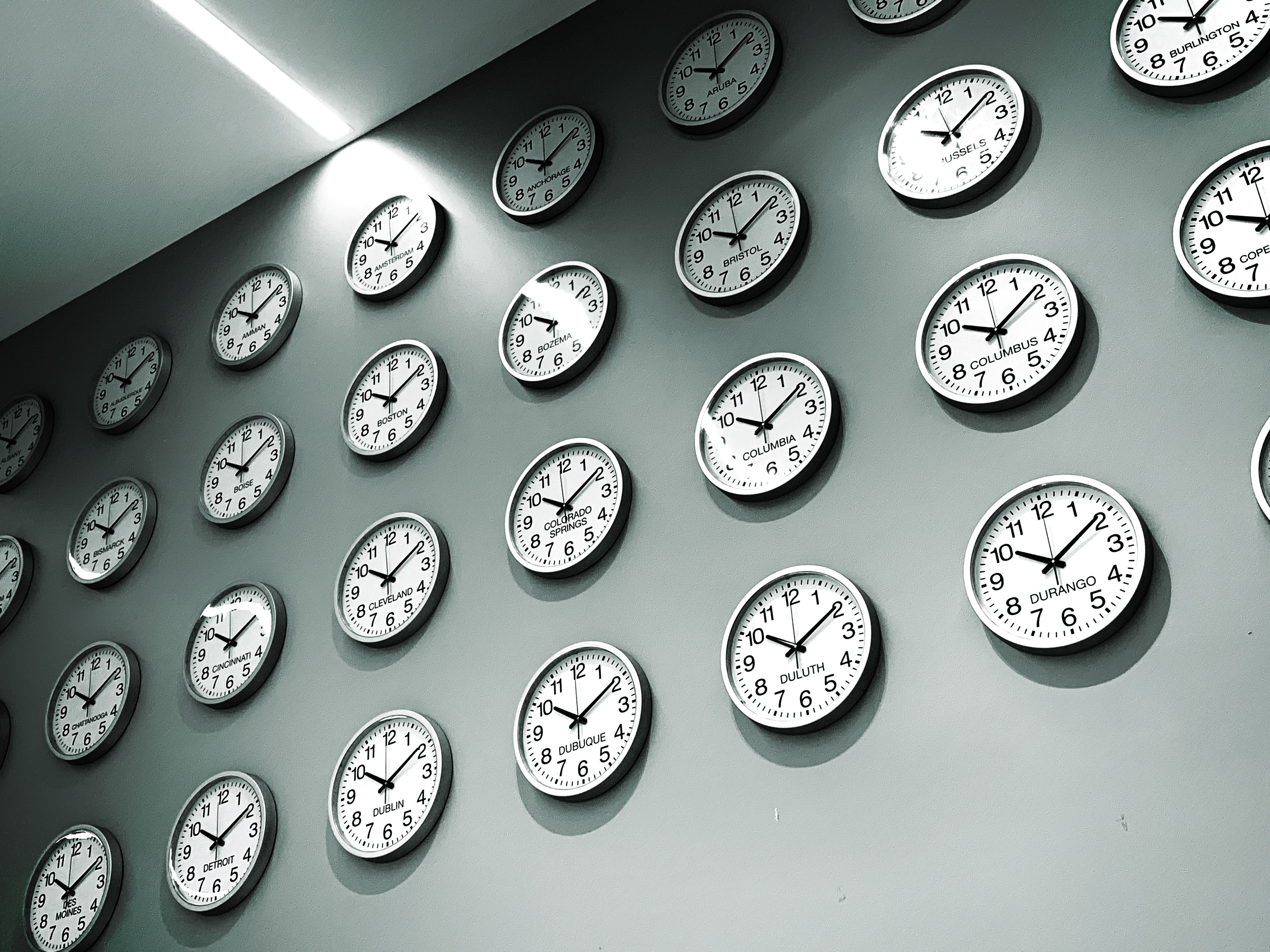
Time zones are essential for coordinating activities across different regions of the world. With globalization, it's increasingly common to interact with people in various time zones, making a customizable online clock a useful tool. Whether you're managing international teams or planning meetings, knowing the right time in another part of the world is crucial.
Choosing the Right Online Clock
There are numerous online clock applications available, each offering unique features. When selecting one, consider factors like ease of use, customization options, and the ability to display multiple time zones simultaneously. Some popular online clock tools include World Time Buddy, Every Time Zone, and Google Calendar's time zone feature.
Features to Look For
A good online clock should allow you to:
- Display multiple time zones
- Customize the appearance
- Set alarms or reminders
- Integrate with other tools you use
Customizing Your Clock
Once you've chosen an online clock, it's time to customize it to fit your needs. Customization usually involves selecting the time zones you want to display and arranging them in a way that makes sense for your workflow. Many online clocks allow you to label each time zone for easy reference.
Step-by-Step Customization
- Open your chosen online clock application.
- Select the option to add or edit time zones.
- Choose the cities or regions you want to display.
- Label each time zone for clarity (e.g., "New York Office", "London HQ").
- Arrange the time zones in your preferred order.
Integrating with Other Tools
To maximize efficiency, integrate your customized online clock with other productivity tools. Many online clocks offer integration options with calendars, project management software, and communication platforms. This seamless connection ensures you're always aware of time differences without switching between applications.

Benefits of Integration
By integrating your clock with other tools, you can:
- Automatically adjust meeting times
- Receive notifications about time-sensitive tasks
- Improve collaboration with remote teams
Staying Updated
Time zones can change due to daylight saving adjustments or political decisions. Ensure your online clock remains accurate by checking for updates regularly. Most online tools will update automatically, but it's good practice to verify the information periodically.
Conclusion
Customizing your online clock for different time zones is a straightforward process that can greatly enhance your productivity and communication. By selecting the right tool, customizing its features, and integrating it with your existing systems, you can stay on top of time zone differences effortlessly. Embrace the power of technology to keep your global interactions running smoothly.